Open Bio Page
Open-source links page
2026 - now · Founder, product and systems architecture
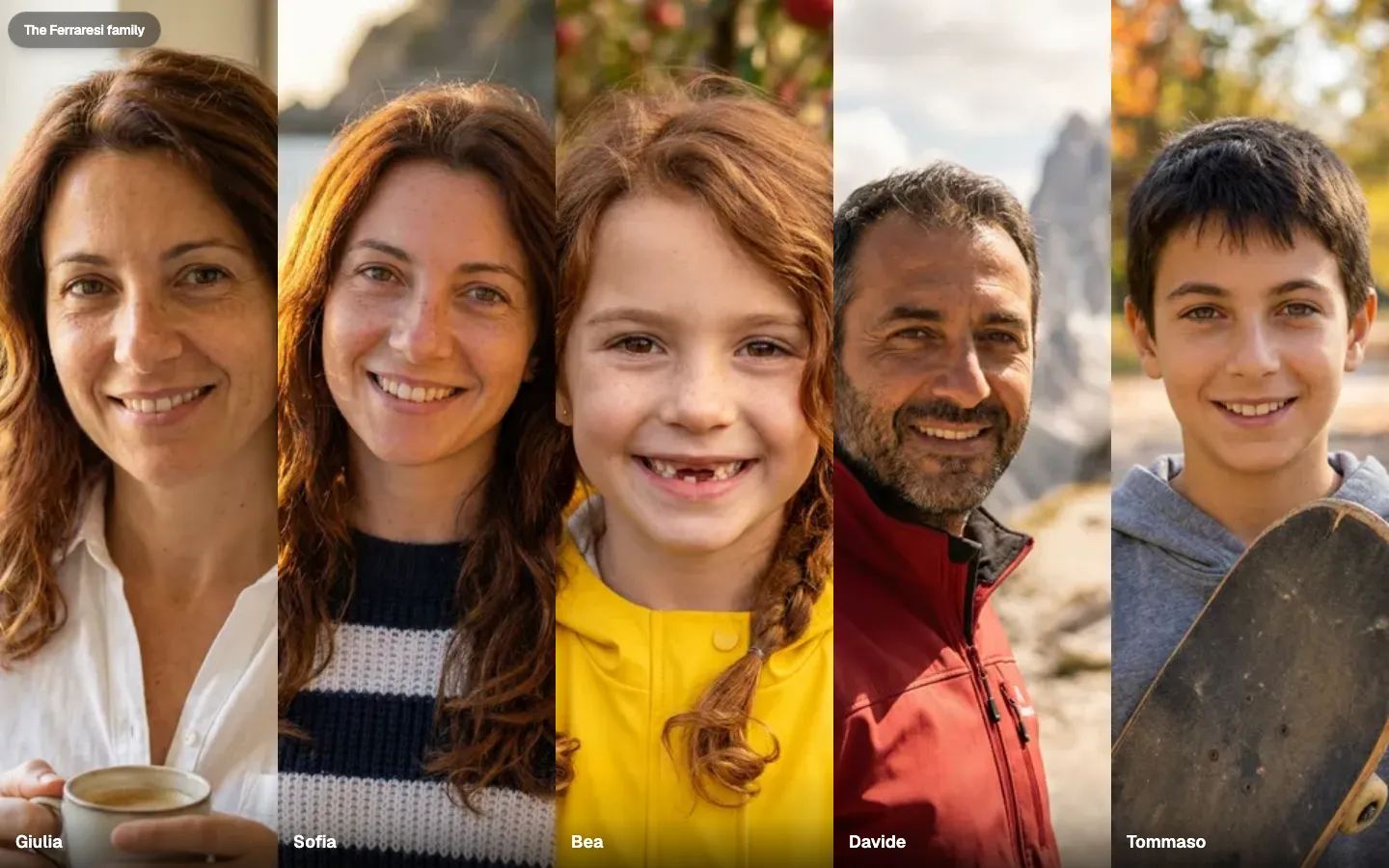
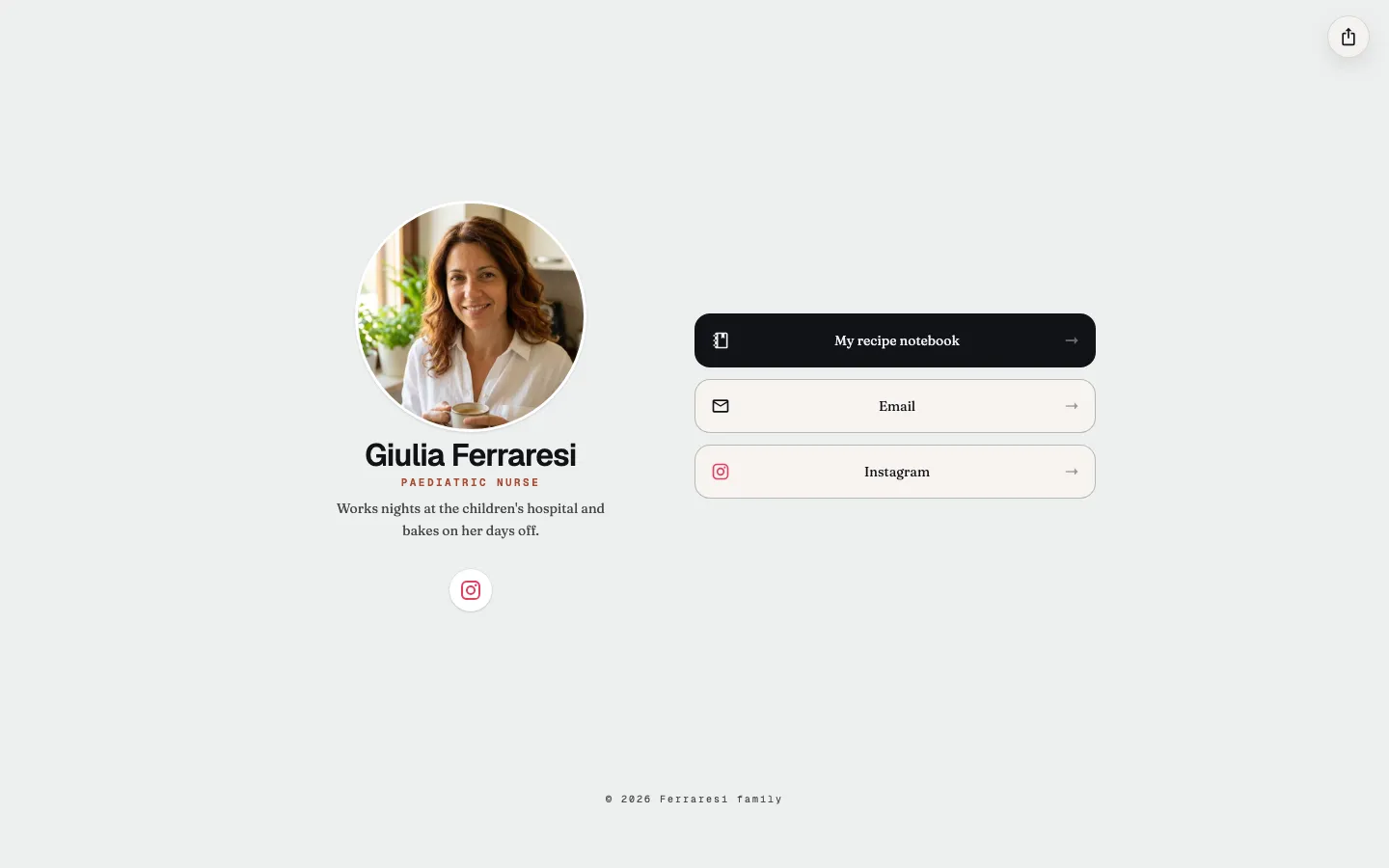
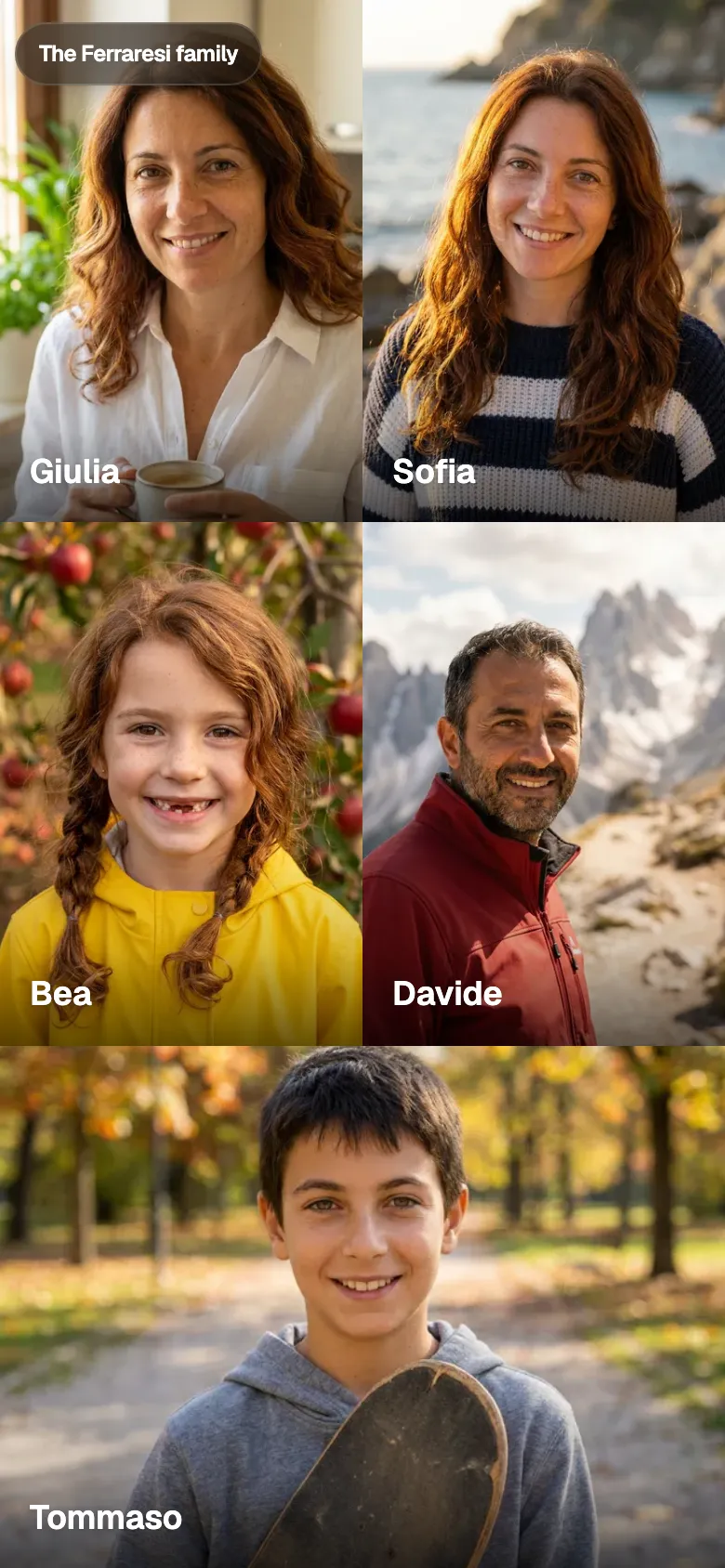
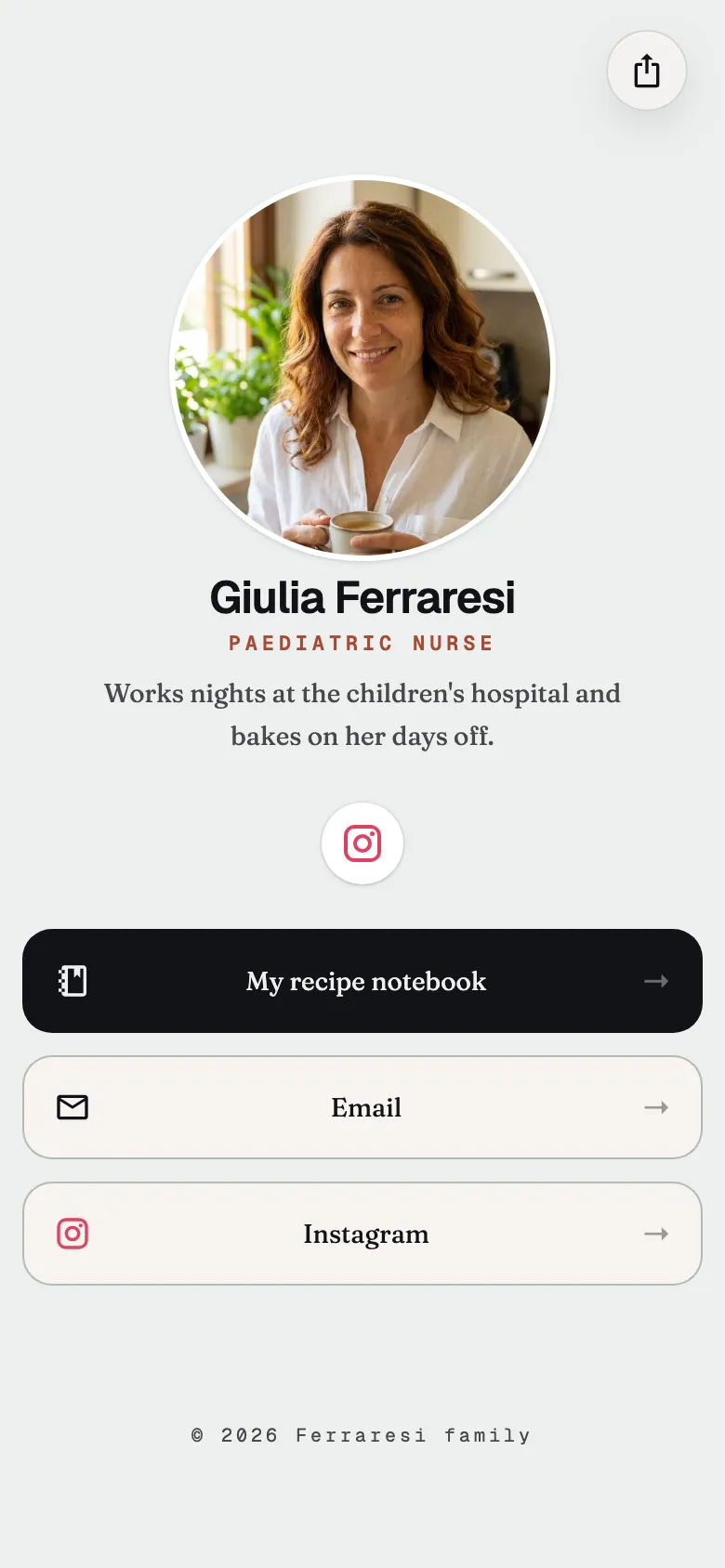
Someone opens your page, picks a person, and gets that person's links. Each of them gets a portrait, a line about them, the links they want to hand out, and how they want to be presented. You can change all of that, which is why it can be a simple family links page or a company page.
Open Bio Page puts that page on a domain you already control. The home is the people. Open one of them and you are on their page, with the portrait, the line, and the links they chose to hand out, written the way they want to be seen. A site, an email, a profile, or any other link you put there.
I made the first directory for my family. This is that directory with the names taken out, so the next family or the next team can put their own in.
The docs home has a prompt that publishes one for you. Choose Family or personal, or Company or team, then copy it or open it in Claude Code, Codex, Cursor, Claude, or ChatGPT. The agent asks once for the hostname and for each person, keeps the wording you give it, and publishes the site. If there is no domain, it stops. The same steps, if you want to do them yourself, are at Create your bio.
A later login edits only that person’s page. Visitors do not need one.
Gallery