Images in motion
A scrolling mosaic
2026 - now · Founder, product and systems architecture
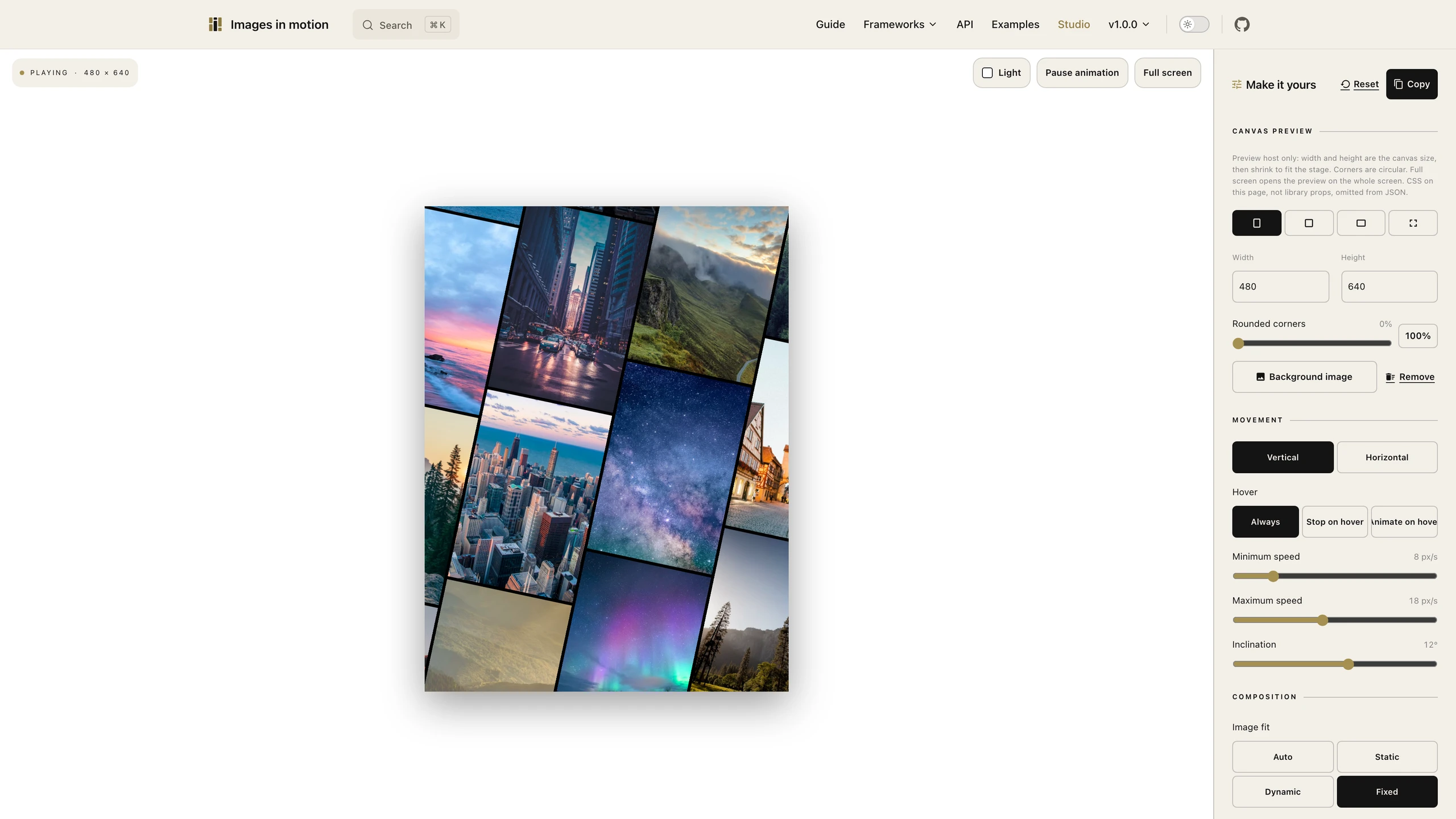
You put a mosaic of pictures on a page and the columns scroll in opposite directions. You set the tilt and the speed in the studio, copy those settings, and the pictures stay in the browser.
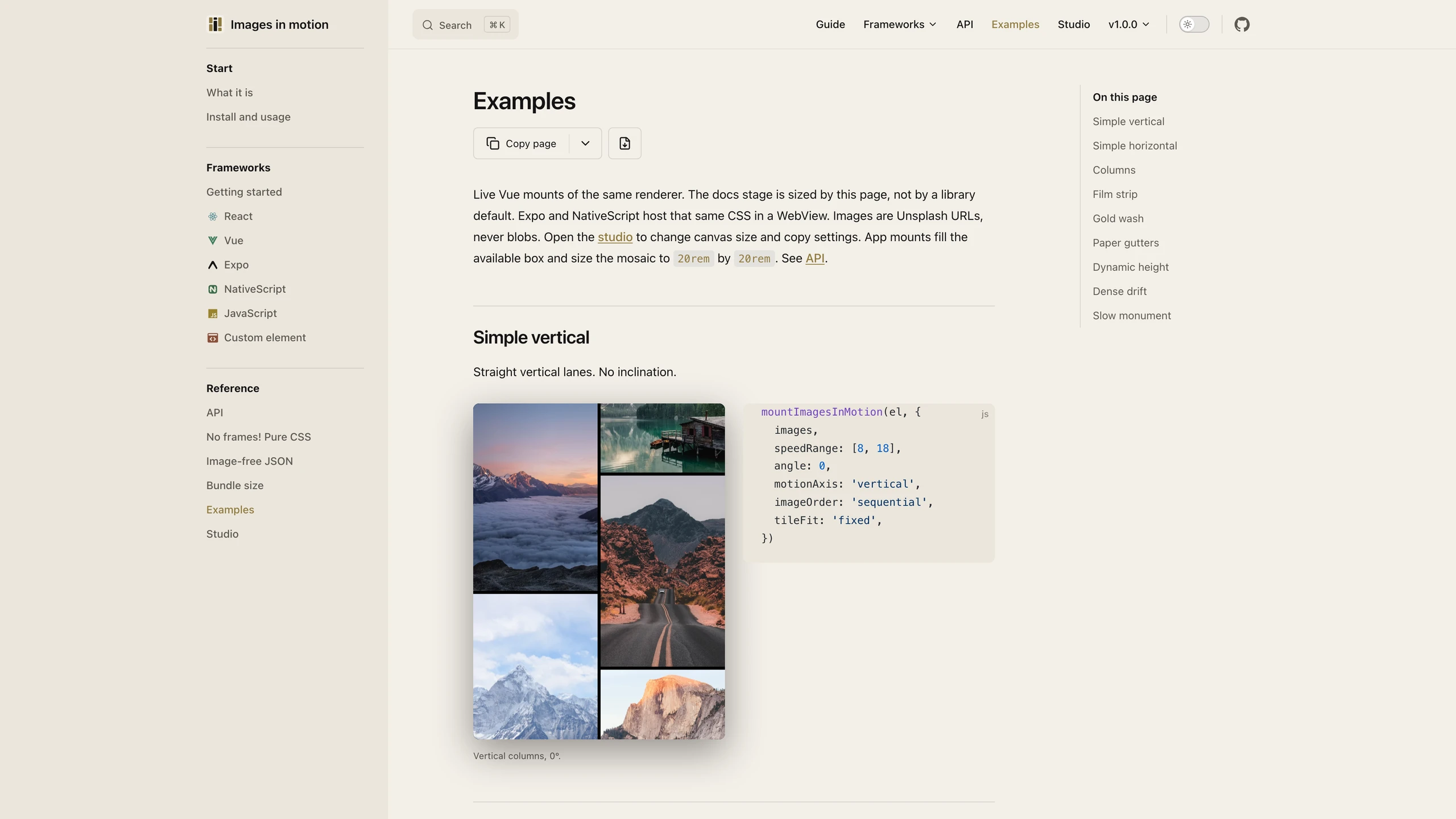
I published images-in-motion on 3 September 2026. You mount a mosaic. Each column leans, and it scrolls the opposite way from the column beside it. The speed stays constant inside one column and differs from the next, so the rows do not lock into a grid. The default tilt is 12 degrees. The default speed is 8 to 18 logical pixels a second. You can scroll rows instead of columns.
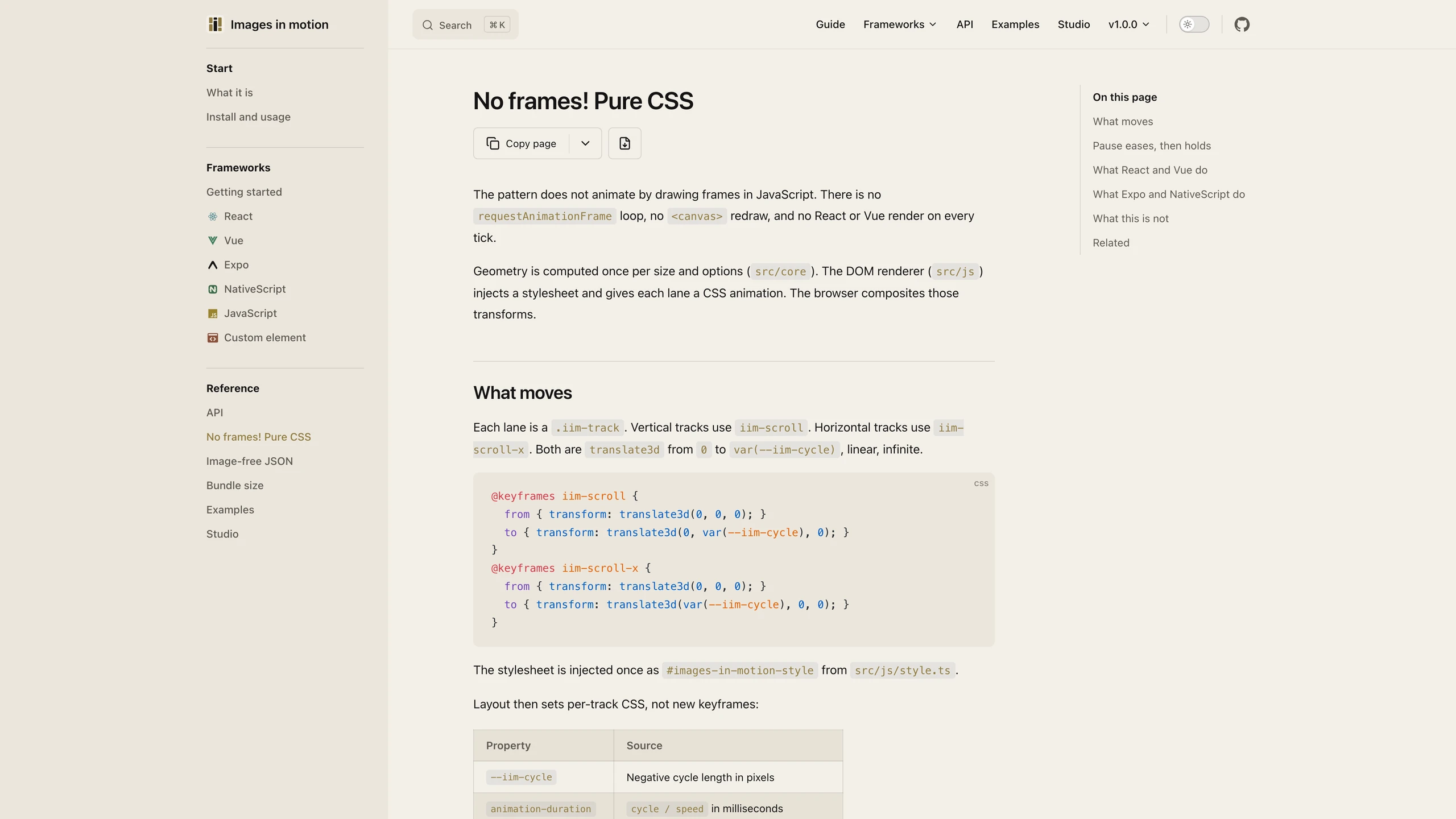
The motion is CSS. Geometry is computed once, and the browser keeps the columns moving. There is no animation loop in JavaScript, which is the point: the pictures should keep going when the framework is idle. React and Vue only create the host. Expo and NativeScript put that same renderer in a WebView.
The file on the CDN is 17.38 KB minified (17,798 bytes), 6.47 KB gzip, 5.83 KB brotli. Do not round those. It does not include React, Vue, or the images.
The studio is where you set the canvas, the speed, the tilt, and the tiles. Copy writes the settings. The pictures you picked never enter that copy, so a configuration can leave the browser without the photos.
Gallery