Images in motion: a mosaic that scrolls on CSS
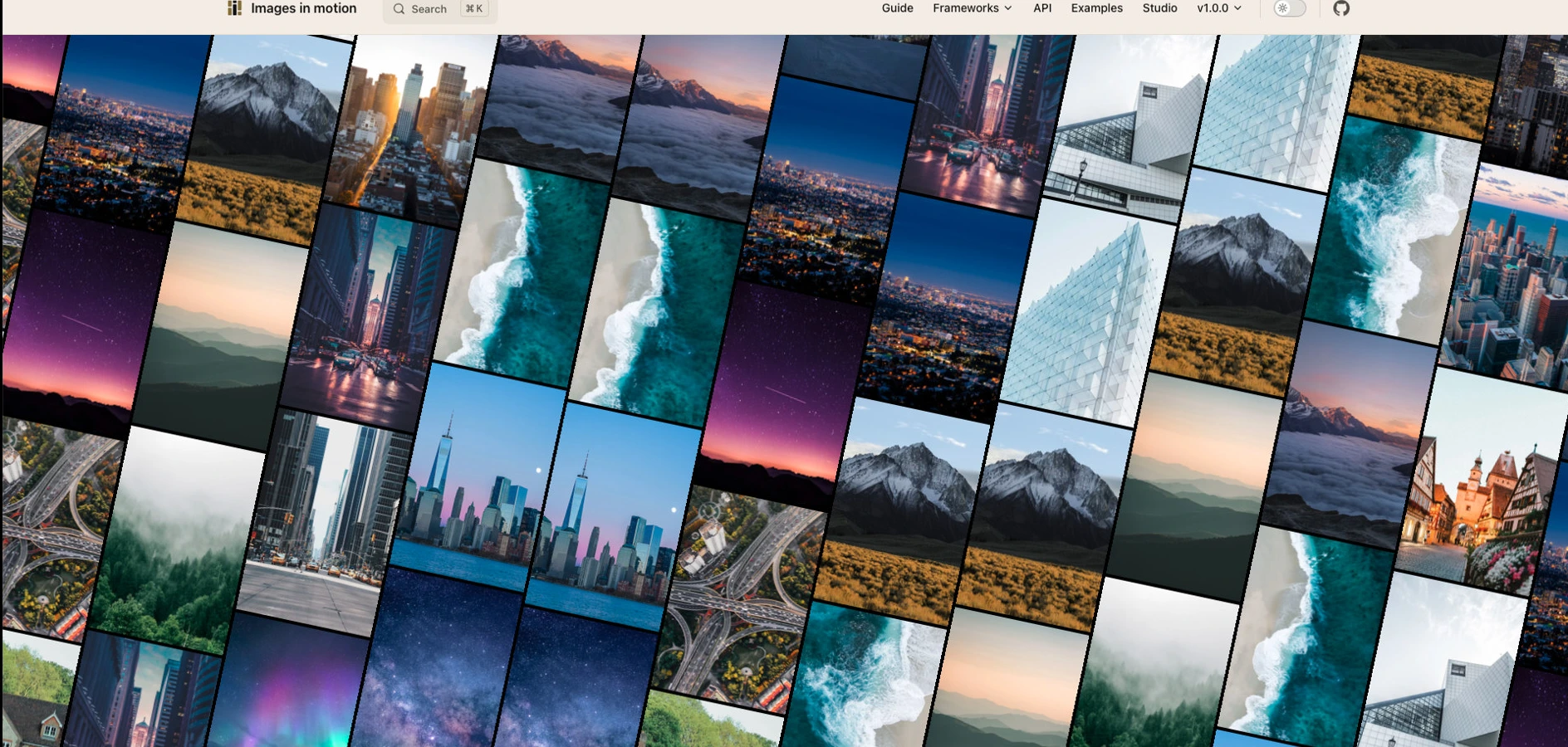
The picture at the top of this post is the live mosaic on iim.smartsquad.io. Its tilted columns scroll in opposite directions, each at a speed of its own, so the pictures keep sliding past one another and never settle into rows.
I published images-in-motion on 3 September 2026 as a package for putting that mosaic on your own page. It is on npm under Smart Squad, with a studio that copies your settings and leaves the pictures behind.
How the columns move
The effect comes from a few rules that apply to each column. Each column leans and scrolls the opposite way from the column beside it. The speed stays constant inside one column but differs from the next. A fixed offset keeps the rows from lining up, so the pattern does not freeze into a grid.
The default tilt is 12 degrees, with a default speed of 8 to 18 logical pixels a second. The studio at the end of this note changes both, along with the canvas and the tiles. You can also flip the axis and scroll rows instead of columns.
Why the motion lives in CSS
I wanted the pictures to keep moving when the JavaScript framework is idle, which decided where the motion lives. A mosaic that depends on an animation loop spends the main thread on decoration and janks the rest of the page. So the motion is CSS: geometry is computed once, the renderer hands each column an animation, and the browser keeps those transforms moving.
Two details shape the loop itself. Odd columns run in reverse, so neighbours never march together. Each column holds two copies of its images, with the last gap counted as part of the loop, so the wrap from the end of the loop back to its start does not jump.
The mosaic stops in two ways. Pause eases for about half a second and then holds. If the user has asked for reduced motion, or the tab is hidden, the animation snaps instead of fighting them.
Putting it on a page
The package installs from npm:
bun add images-in-motion
After the install, give the host a size. The docs fill the available box and size the mosaic to 20rem by 20rem.
React and Vue are optional: they create a host and then get out of the way without owning the animation. Expo and NativeScript put that same renderer in a WebView. If you want the markup that way, there is also a custom element, <images-in-motion>.
What it weighs
The CDN file is 17.38 KB minified (17,798 bytes), which compresses to 6.47 KB with gzip and 5.83 KB with brotli. It does not include React, Vue, or the images, so a wrapper and your pictures come on top of those figures. Those bytes were measured with bun run size on the repo and are quoted here exactly as measured, without rounding.
The studio keeps your pictures local
The studio is where you set the canvas, the speed, the tilt, and the tiles. Copy writes those settings out, but image URLs never enter that payload, nor do files you picked from disk. Pictures stay in the browser that chose them, so you can share a configuration without sharing someone else’s photos.
The source is on GitHub at github.com/smartsquad/images-in-motion.